How to Install and Log in to the Moodle Mobile App
3. How to Finish and Log in to the Moodle App
Lastly, you will log in to your Bonaventure Moodle Account within the Moodle App
1) On the login screen choose the Microsoft Button to log in:
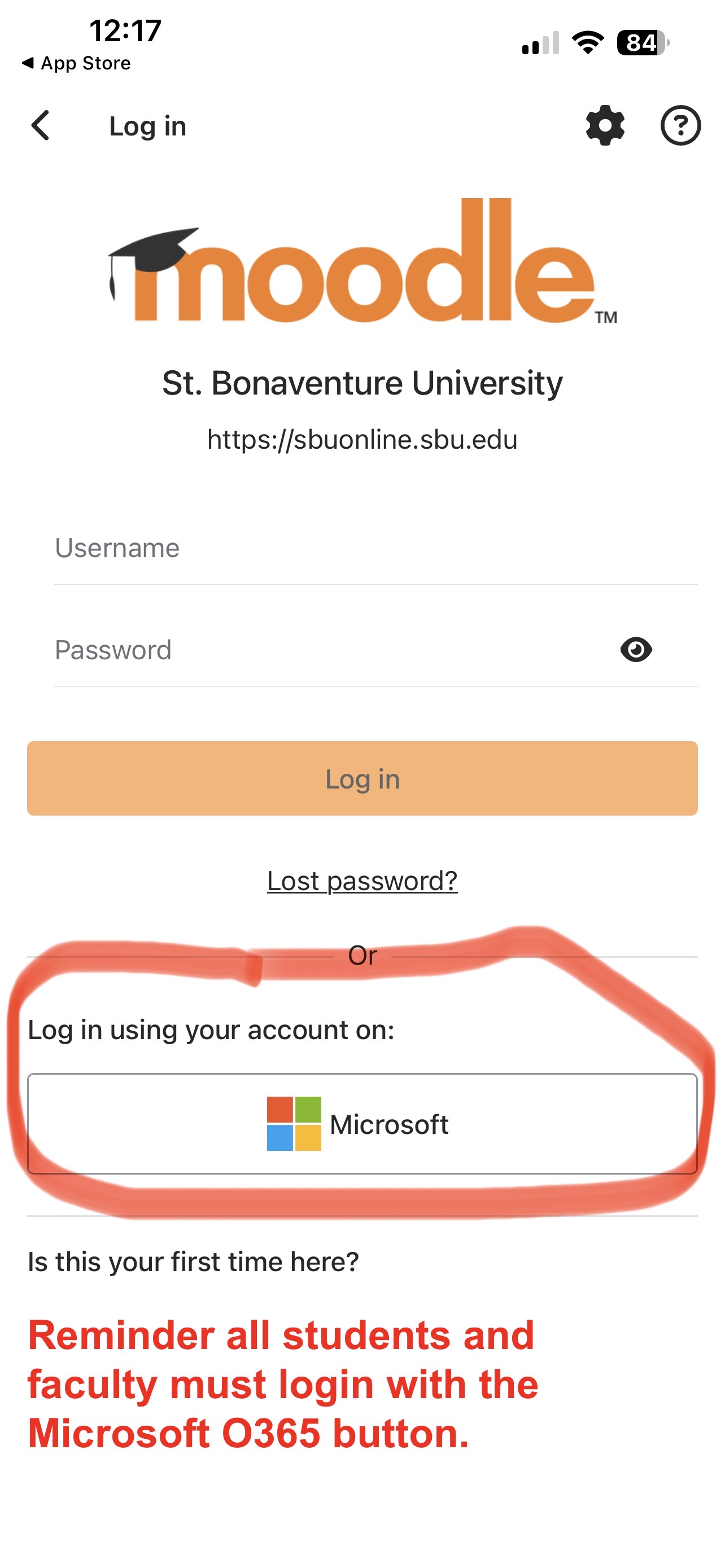
2) Enter your Bonaventure microsoft account login information: Bonaventure username and password
3) Complete the Microsoft verification/MFA step (Authenticator app or text to phone number)
4) You should be logged in and ready to go!